

Agency Workflow Automation Planning Guide
The best first automation is a process your team already understands. Use this guide to find repetitive work, map the decisions behind it, and choose a manageable pilot. You will separate routine steps from exceptions, define ownership, and establish evidence for deciding whether a change is worth expanding.
Get the guide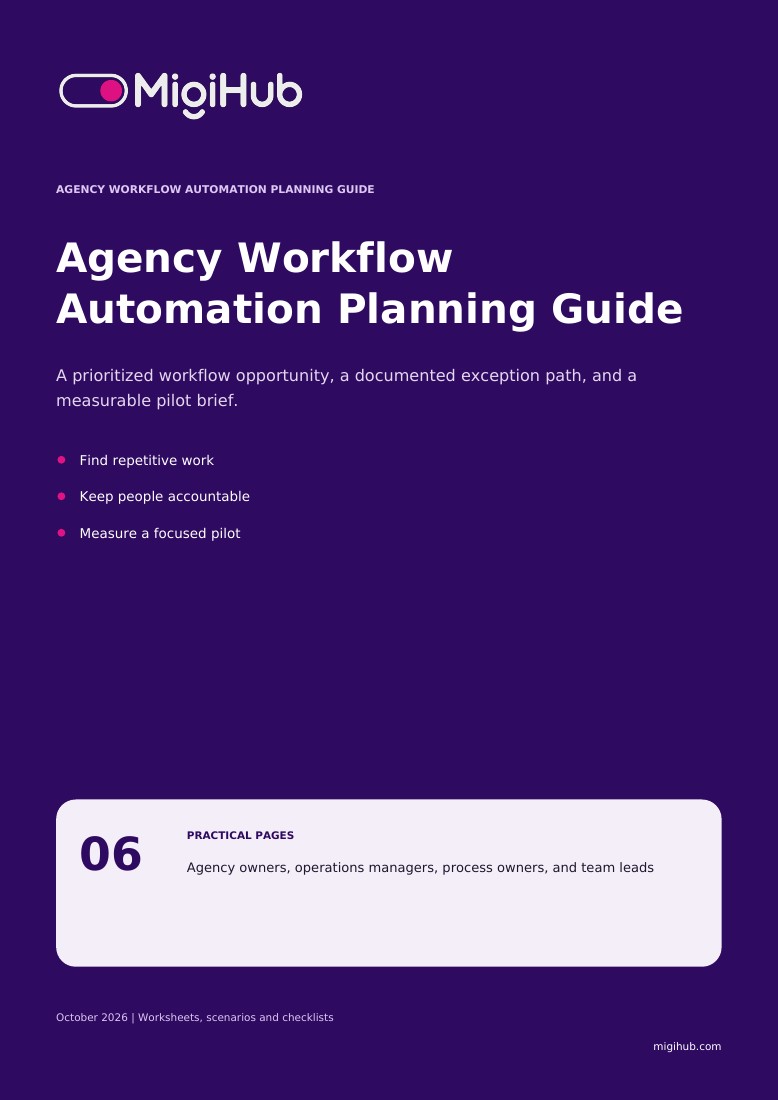
What you’ll take away
- 01
Choose a workflow before choosing a tool
Start with a recurring task that crosses a clear boundary, such as an approved booking becoming ready for the next team. Understanding that boundary is more useful than automating isolated clicks.
- 02
Inventory the work that repeats
Use these six prompts to document one workflow, rather than building a long wish list. Ask the people doing the work to bring examples that include a normal case and an exception.
- 03
Test the handoff, including failure
Take a fictional completed booking that needs an internal follow-up. Use the four tests below to examine readiness, repeated events, missing information, and recovery before discussing a broader rollout.
- 04
Check whether the workflow is ready
A useful automation has a defined boundary and a workable exception path. Review these points with the people responsible for the source information, the process, and the receiving team.
- 05
Turn one opportunity into a pilot brief
A short pilot brief gives operations and implementation teams a shared reference. Keep the scope small enough to review actual cases and revise the workflow without disrupting unrelated services.
Agency owners, operations managers, process owners, and team leads English and French editions are available.
Before you download
Is the guide free?
Yes. Complete the resource request form to access the PDF. A newsletter signup is optional.
Which language will I receive?
This page provides the English PDF. Use the website language selector to access the French edition.
How are my details used?
MigiHub uses your details to process your resource request and related follow-up. Product updates require the separate optional newsletter checkbox. See our Privacy Policy for more information.