
Client Booking Portal Launch Guide
A useful booking portal helps clients submit the right request and understand what happens next. This guide helps your agency plan that experience before launch. Define the services clients can request, the information operations needs, the meaning of each status, and the support available when someone needs help.
Get the guide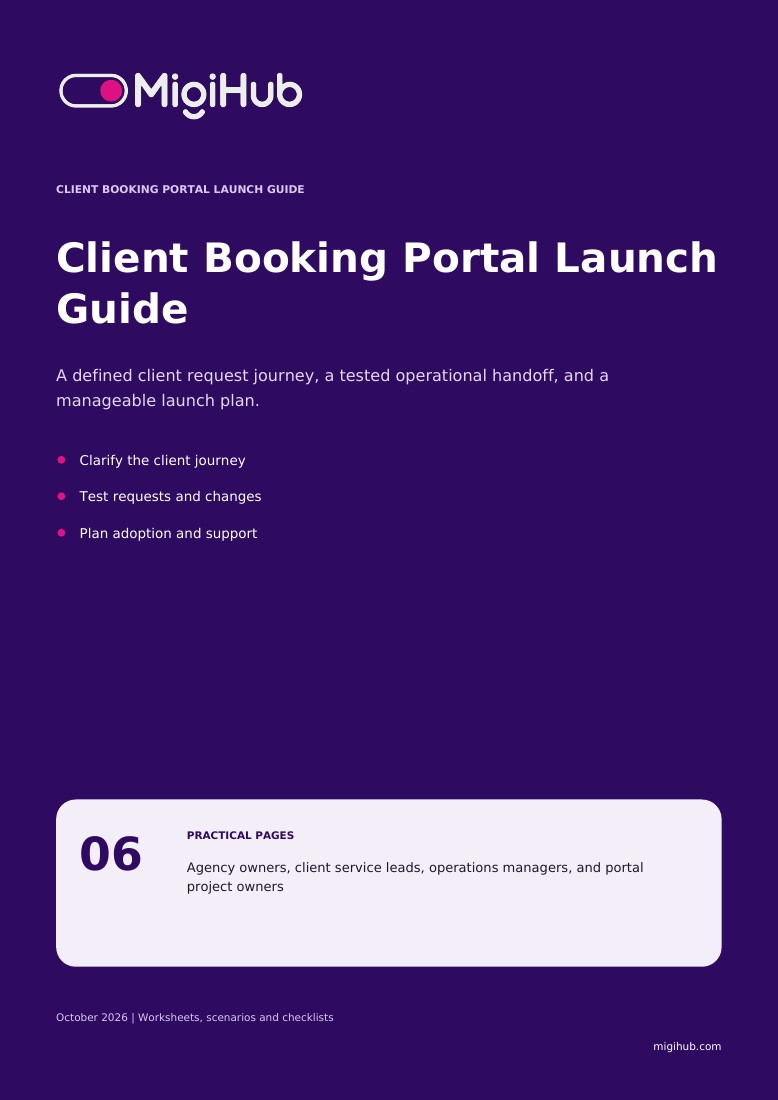
What you’ll take away
- 01
Design the request, not just the form
Clients need to know what they can request, what information to provide, and when the arrangement is confirmed. A portal should make that journey understandable to both clients and the team receiving requests.
- 02
Map the client-to-operations handoff
Complete this worksheet for a specific client group and service. Use the answers to prepare requirements and test cases; they are not a claim that every requested portal behavior is already configured.
- 03
Test the portal as a first-time client
Use demo accounts and fictional booking details. Have someone outside the project team follow the journey without coaching, while an operations colleague checks what arrives and what must happen next.
- 04
Check readiness before inviting clients
A portal launch includes the client experience and the receiving team's process. Review these checks together, and treat any uncertain behavior as an open requirement rather than an assumed feature.
- 05
Launch with a small client group
Start with clients whose booking needs and support contacts are familiar. A focused launch helps your agency improve labels, request completeness, and follow-up before introducing the portal to a broader audience.
Agency owners, client service leads, operations managers, and portal project owners English and French editions are available.
Before you download
Is the guide free?
Yes. Complete the resource request form to access the PDF. A newsletter signup is optional.
Which language will I receive?
This page provides the English PDF. Use the website language selector to access the French edition.
How are my details used?
MigiHub uses your details to process your resource request and related follow-up. Product updates require the separate optional newsletter checkbox. See our Privacy Policy for more information.