
Custom Development Project Brief Workbook
A strong project brief describes the work people need to complete before proposing screens or automation. Use this workbook to document one operational problem, separate configuration from new development and define acceptance. The result is a clearer starting point for a scoped extension within and connected to MigiHub.
Get the guide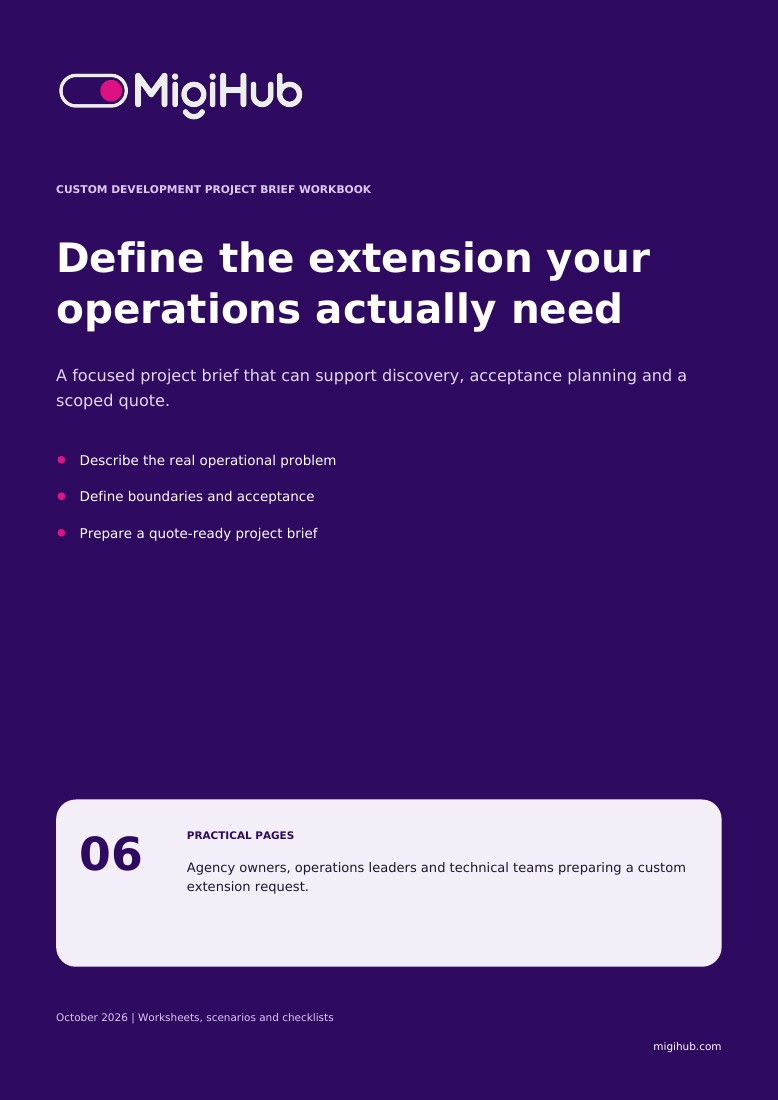
What you’ll take away
- 01
Describe the problem before the feature
Begin with an observable operational difficulty rather than a preferred technology. Identify who experiences it, when it occurs and what a satisfactory outcome would look like. Keep the first scope narrow enough for a business owner to accept.
- 02
Build the first page of your project brief
Complete these six decisions before designing screens. Use fictional examples instead of personal records. The template is a discovery aid: the delivery team still needs to confirm feasibility, dependencies and the appropriate implementation approach before a quote is agreed.
- 03
Write acceptance before requesting a quote
The following fictional extension routes unusual booking exceptions for review. It is an example of requirements writing, not a promised product feature. Replace the scenario with your own workflow and state the expected result for every branch.
- 04
Make the scope ready for estimation
A quote needs more than a list of screens. Review these points with the business owner and technical team. Mark unknowns for discovery and name who can resolve them; unresolved assumptions should remain visible in the scope and estimate.
- 05
Move from a brief to a scoped extension
Use the completed brief to discuss a bounded extension within the platform, connected to its records and workflows. The next step should reduce uncertainty: confirm the approach, agree acceptance evidence and obtain a quote that reflects the actual scope.
Agency owners, operations leaders and technical teams preparing a custom extension request. English and French editions are available.
Before you download
Is the guide free?
Yes. Complete the resource request form to access the PDF. A newsletter signup is optional.
Which language will I receive?
This page provides the English PDF. Use the website language selector to access the French edition.
How are my details used?
MigiHub uses your details to process your resource request and related follow-up. Product updates require the separate optional newsletter checkbox. See our Privacy Policy for more information.